












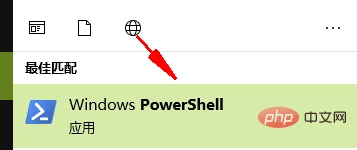
首先按win+s快捷键打开搜索框,接着输入powershell,找到应用程序windows powershell
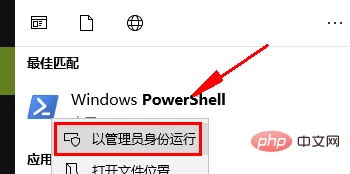
右键点击Windows Powershell,选择以管理员身份运行选项
然后我们输入如下命令,回车
Get-AppxPackage -AllUsers| Foreach {Add-AppxPackage -DisableDevelopmentMode -Register “$($_.InstallLocation)\AppXManifest.xml”}等待系统修复完成后,重启电脑即可